Keep illustration and restoration separate
If only a cartoon export remains, request the original photograph. A realistic-looking generated face would not verify the source identity.
 AIfilterremoverPHOTO STUDIO
Illustration-to-photo reconstruction
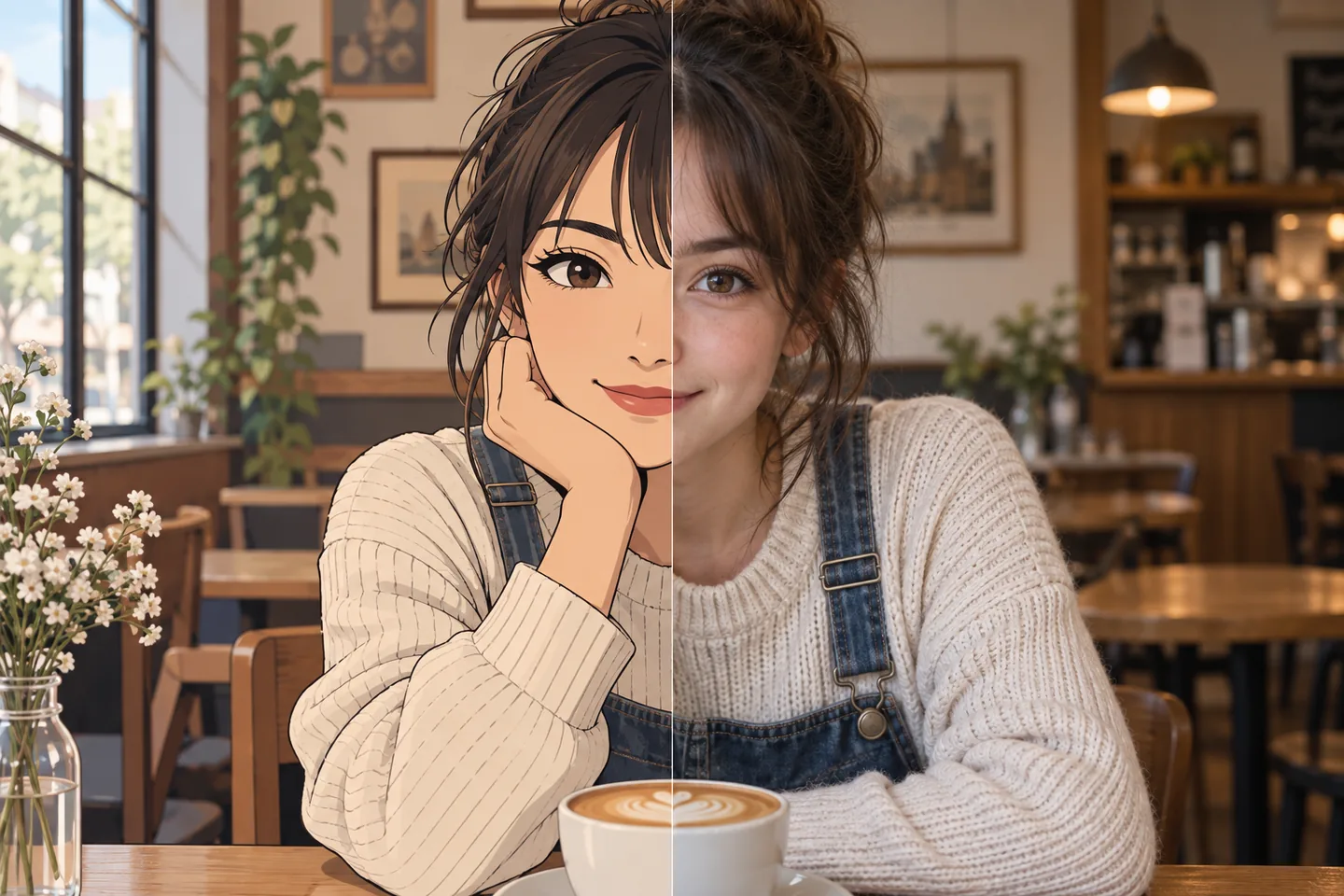
Cartoon-to-photo generation is not supported by this editor. Converting drawn eyes, simplified skin and illustrated hair into a photograph invents details. Color mode can make a modest tonal correction but will not recreate a real face.
1 free photo daily · Failed or unchanged requests stay free · Output up to 1024 px
A closer look
Cartoon-to-photo generation is not supported by this editor. Converting drawn eyes, simplified skin and illustrated hair into a photograph invents details. Color mode can make a modest tonal correction but will not recreate a real face.
If only a cartoon export remains, request the original photograph. A realistic-looking generated face would not verify the source identity.
All editing uses an orientation-normalized working copy up to 1024 pixels on the longest edge. Keep the uploaded file for full-resolution reference.
Uncertain analysis asks for a mode. A no-op or failed result does not consume a free credit.
Made for your photos
Cartoon-to-photo generation is not supported by this editor. Converting drawn eyes, simplified skin and illustrated hair into a photograph invents details. Color mode can make a modest tonal correction but will not recreate a real face.
For cartoon effect photos, avoid additional screenshots and compression. The editor cannot recover information absent from the upload.
If only a cartoon export remains, request the original photograph. A realistic-looking generated face would not verify the source identity.
Cartoon-to-photo generation is not supported by this editor. Converting drawn eyes, simplified skin and illustrated hair into a photograph invents details. Color mode can make a modest tonal correction but will not recreate a real face.
What to expect
Cartoon-to-photo generation is not supported by this editor. Converting drawn eyes, simplified skin and illustrated hair into a photograph invents details. Color mode can make a modest tonal correction but will not recreate a real face.
A useful limit
If only a cartoon export remains, request the original photograph. A realistic-looking generated face would not verify the source identity.
Three simple steps
Start with the clearest copy you have. Compare the result before you save it.
Use a JPG, PNG or WebP under 10 MB. Processing uses a working copy up to 1024 px.
Cartoon-to-photo generation is not supported by this editor. Converting drawn eyes, simplified skin and illustrated hair into a photograph invents details. Color mode can make a modest tonal correction but will not recreate a real face.
If only a cartoon export remains, request the original photograph. A realistic-looking generated face would not verify the source identity.
Good questions
Cartoon-to-photo generation is not supported by this editor. Converting drawn eyes, simplified skin and illustrated hair into a photograph invents details. Color mode can make a modest tonal correction but will not recreate a real face.
If only a cartoon export remains, request the original photograph. A realistic-looking generated face would not verify the source identity.
No. Only completed edits consume the daily free credit. Auto may ask you to choose a mode or mark a sticker without using a credit.
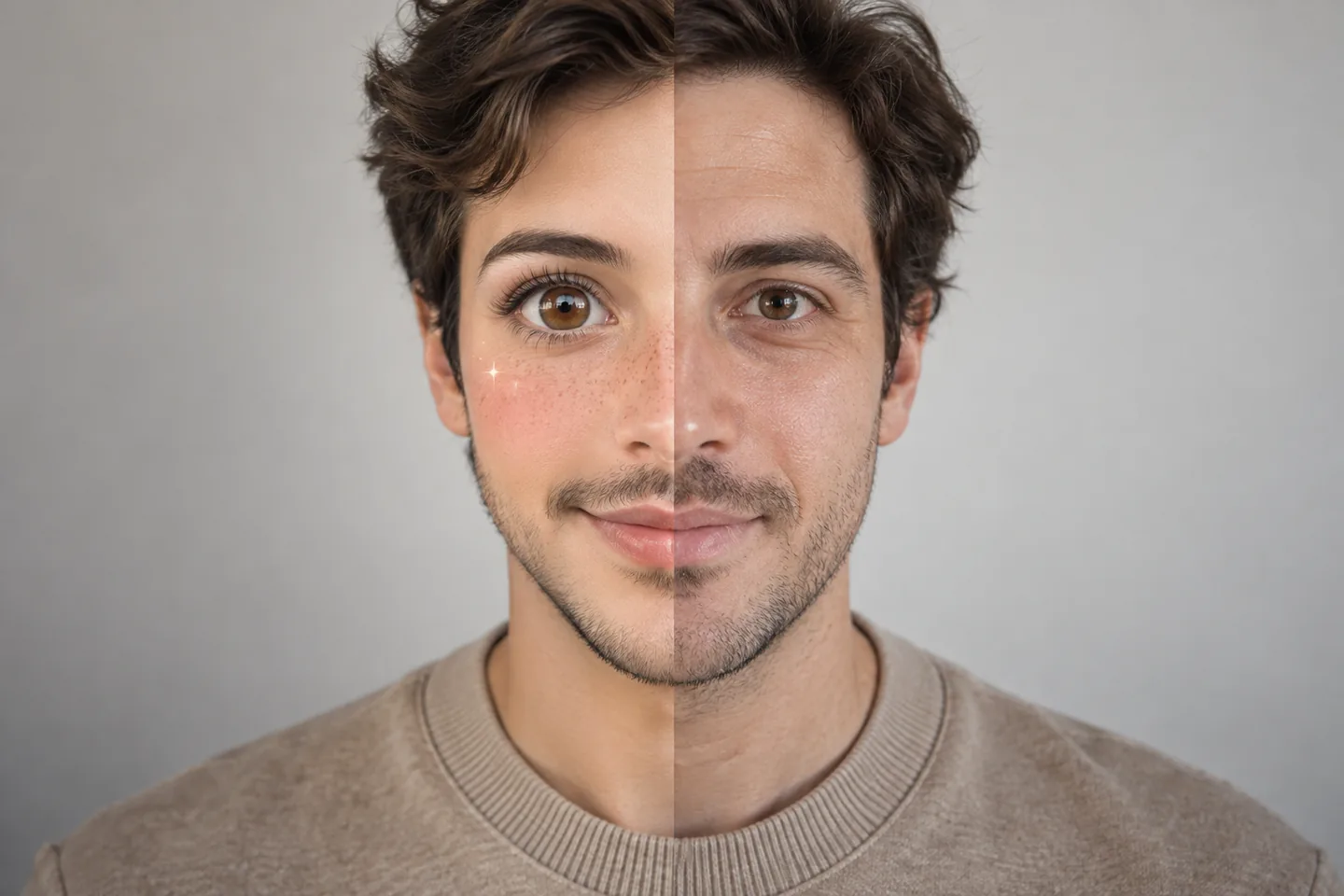
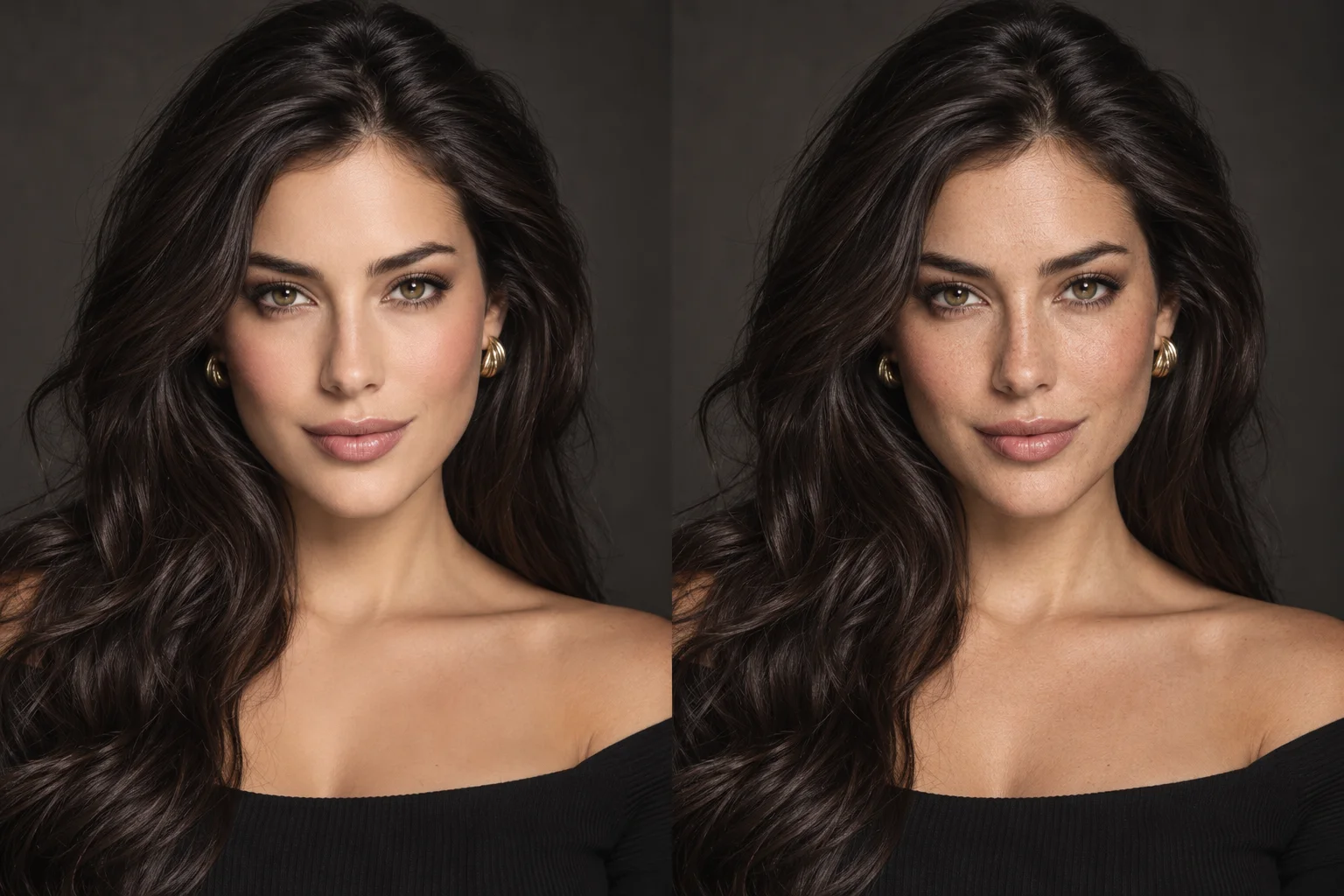
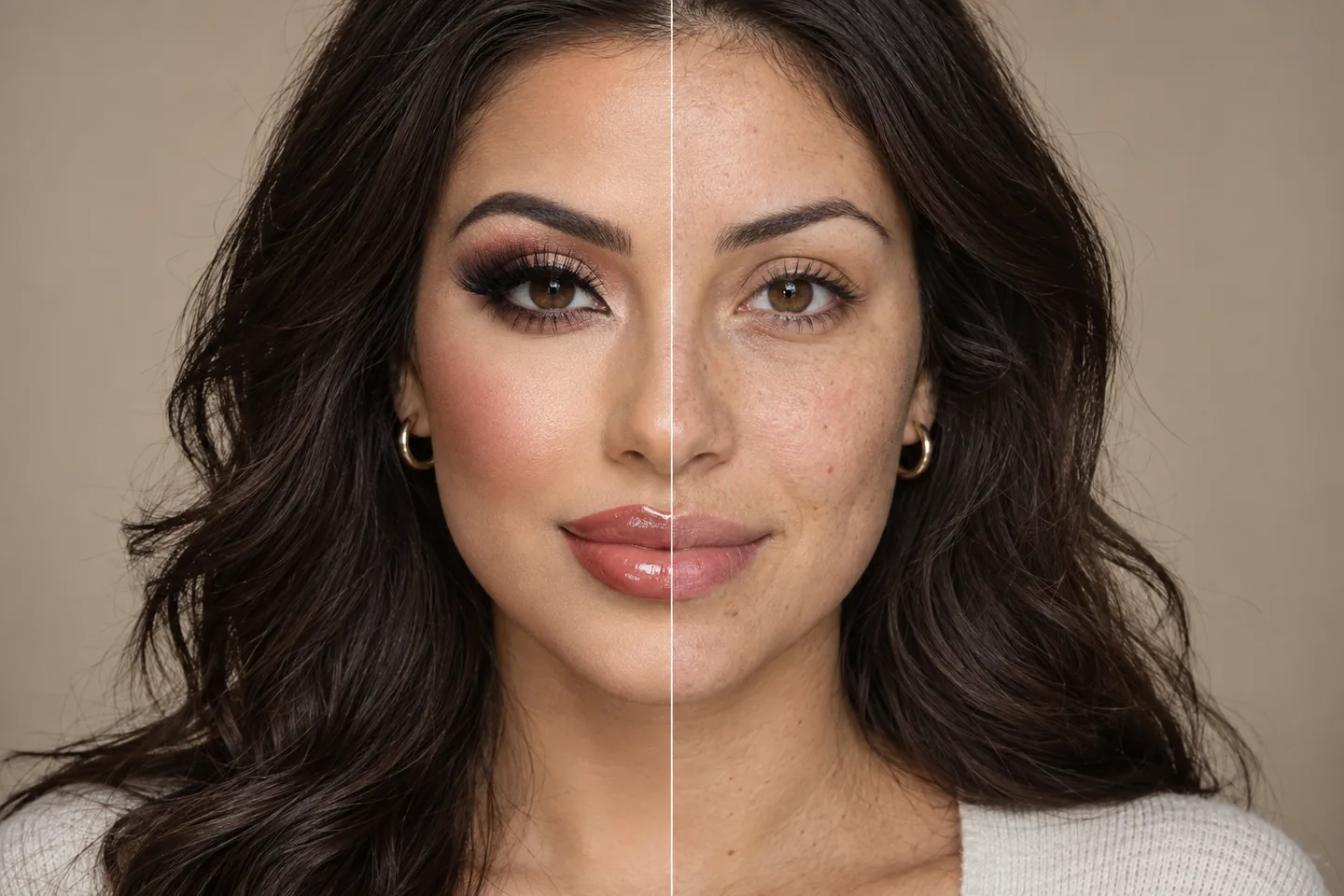
No. The comparisons are illustrative, not verified outputs from the current conservative engine. Read the capability notes before uploading.
Make room for the original feeling
Sign in with Google and try up to one supported edit free each day.
Keep exploring